Background Remove
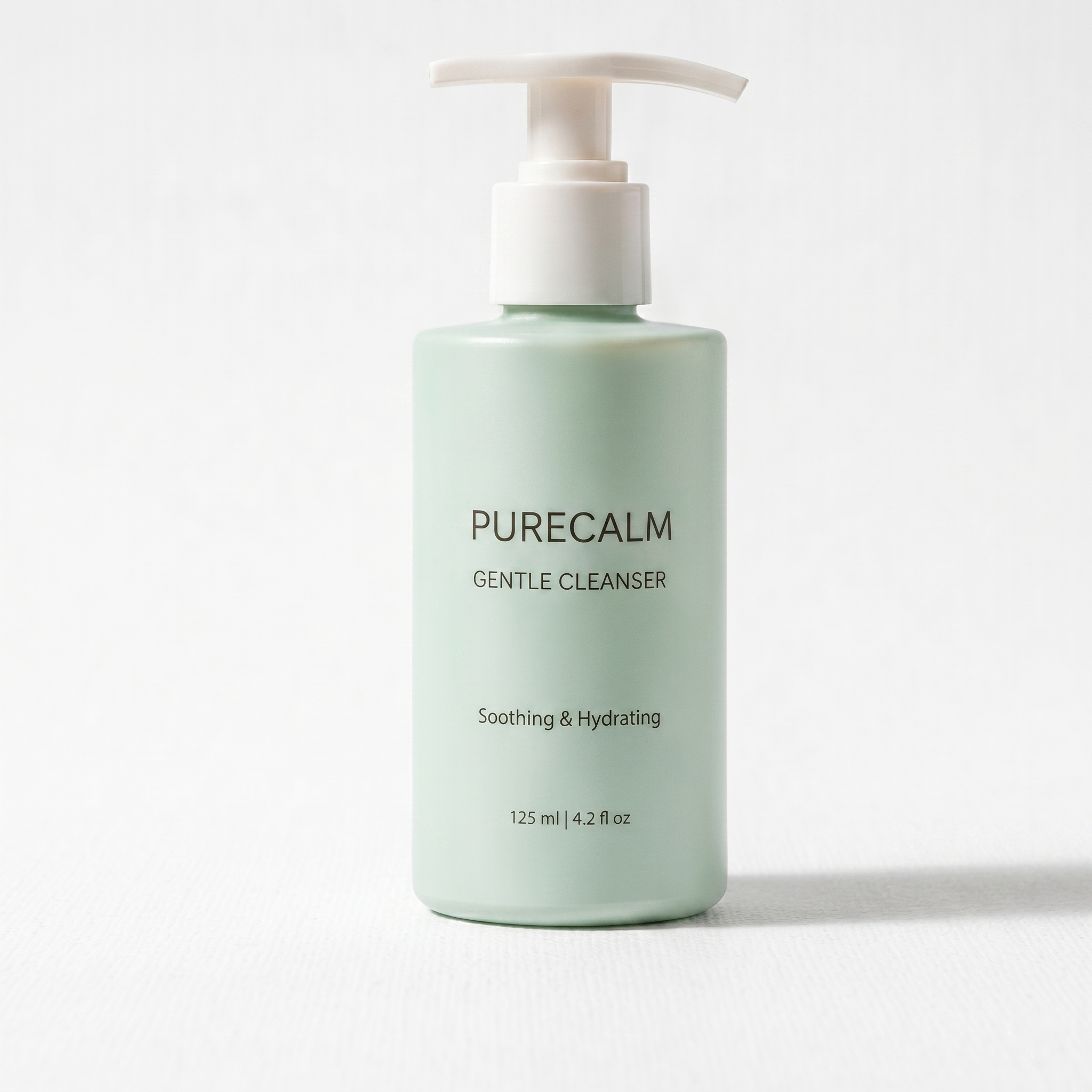
Remove background and get clean white or transparent images.
Image Editor
Remove backgrounds, retouch details, and redesign scenes before exporting final assets.

 Background Removal
Generated result will be displayed here
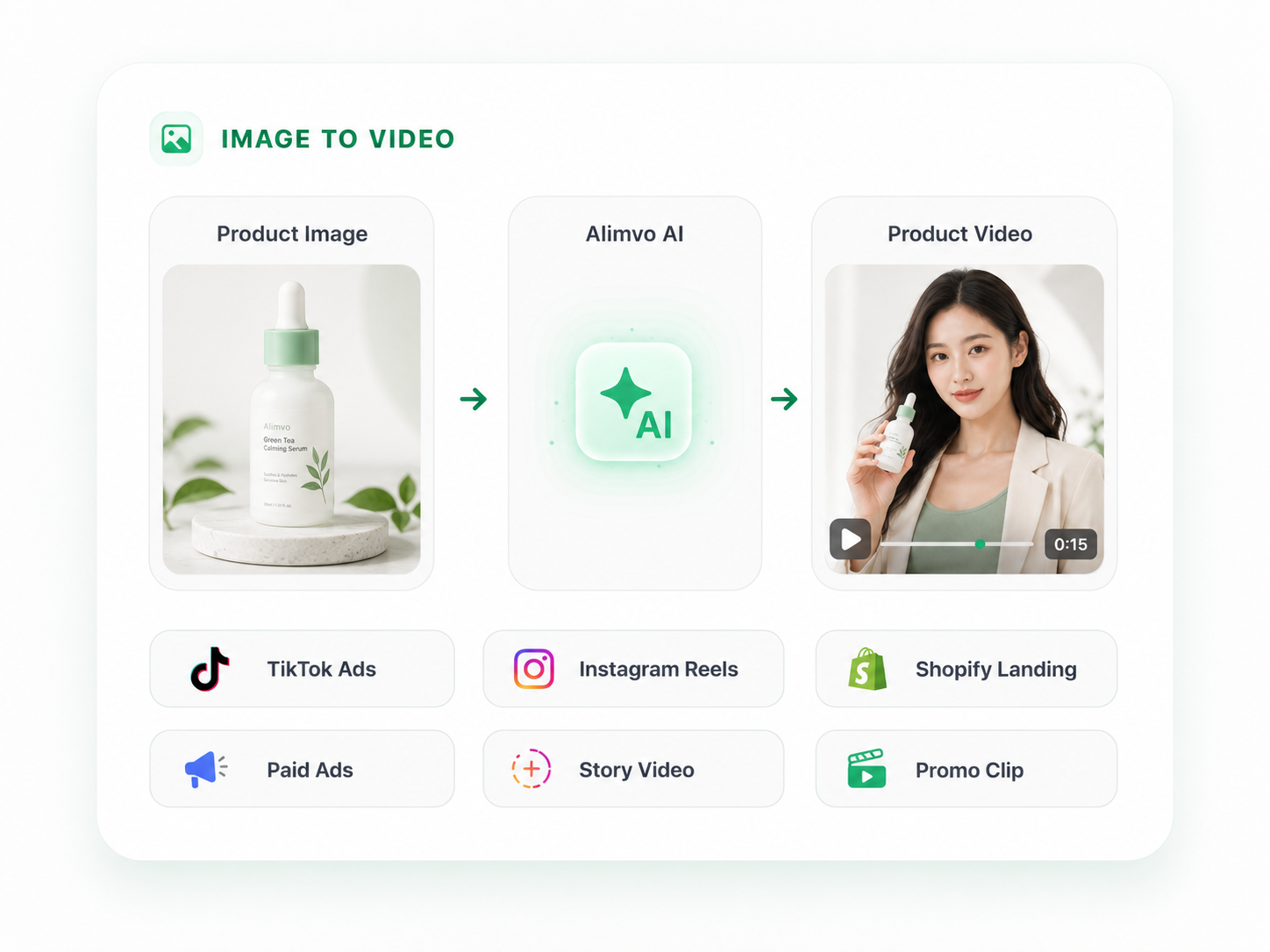
Quick actions to transform your product images with AI.
Remove background and get clean white or transparent images.
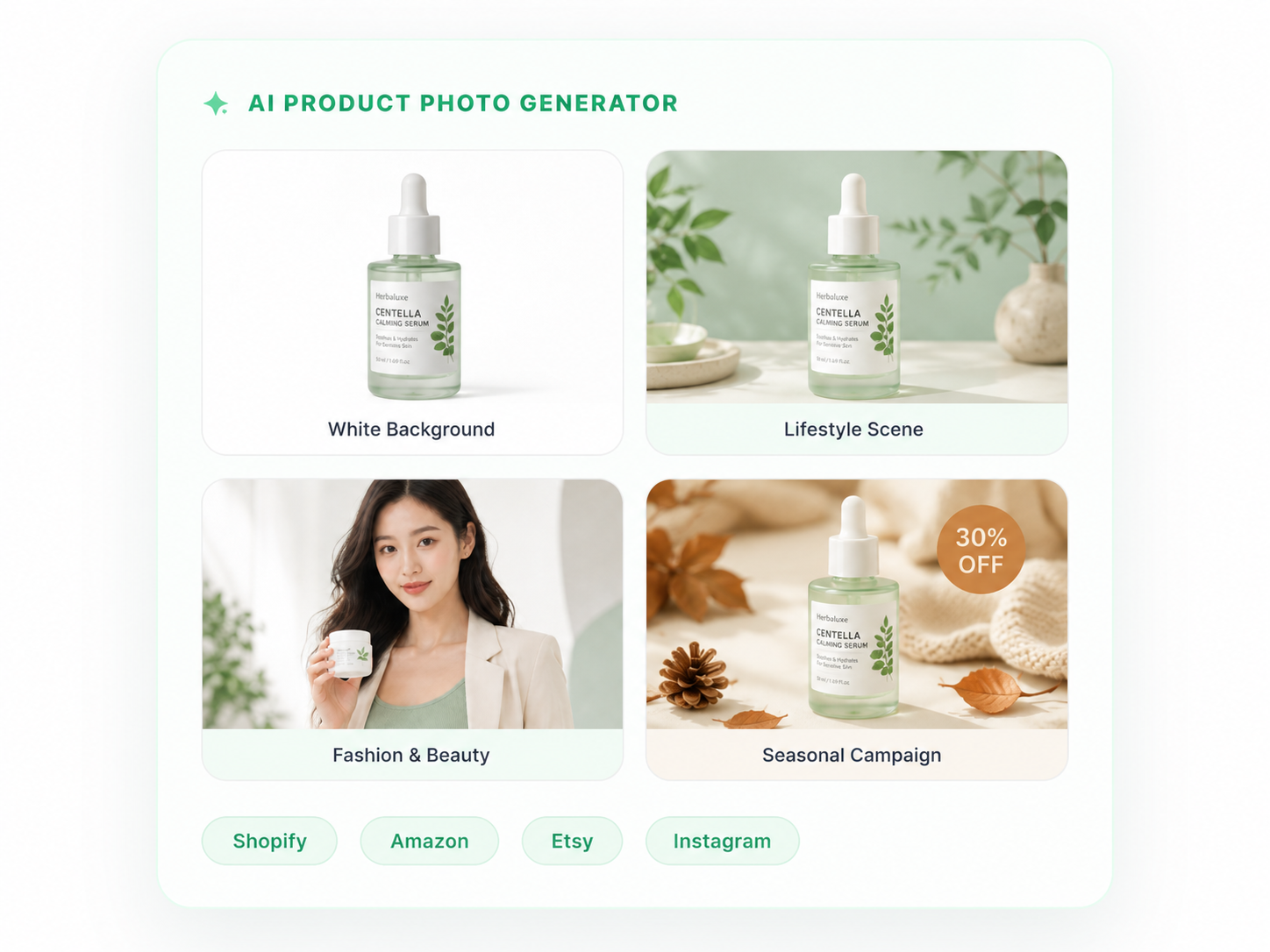
Place your product in stunning lifestyle or studio scenes.
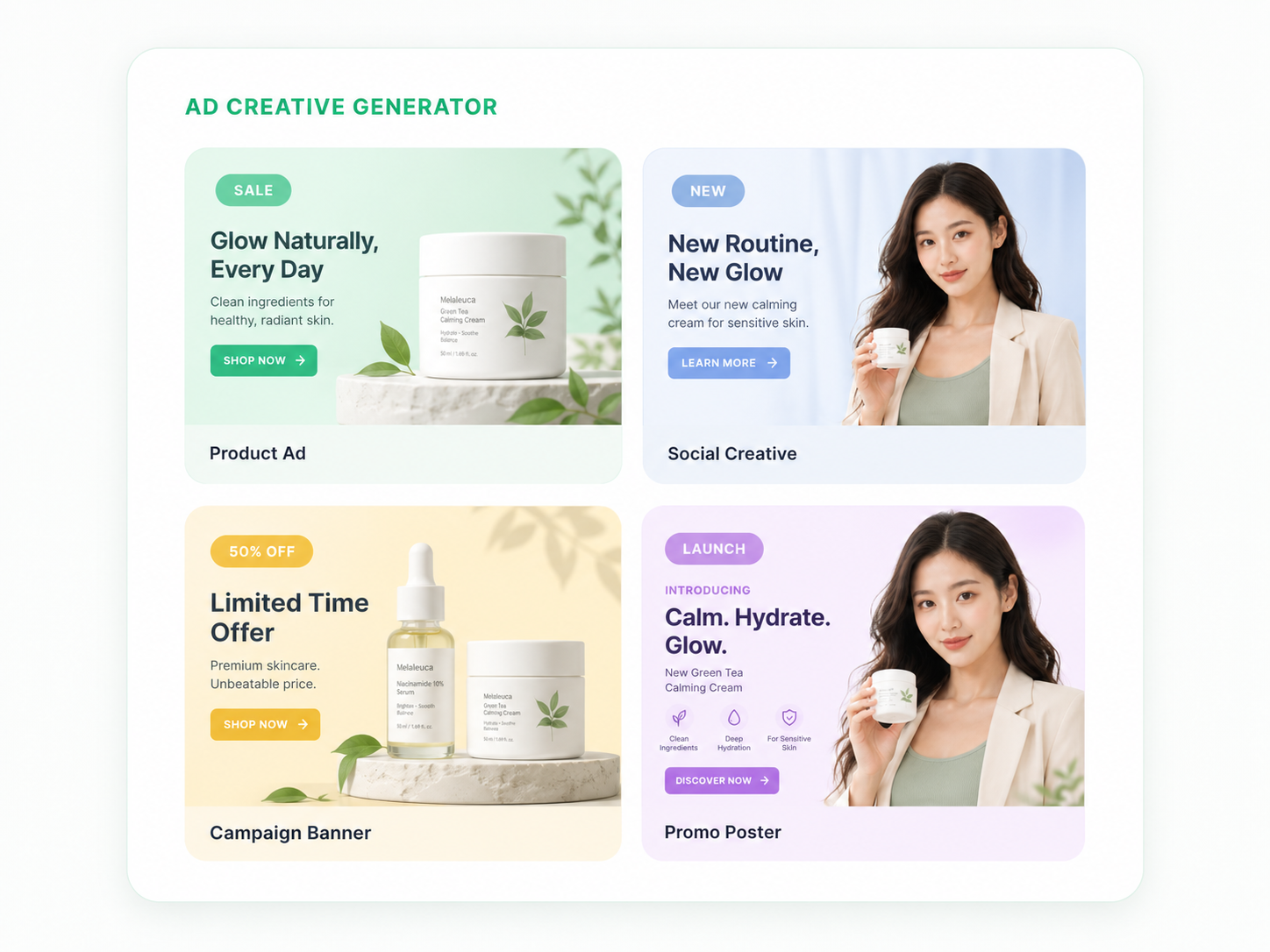
Create on-brand visuals with colors, props, and custom backgrounds.
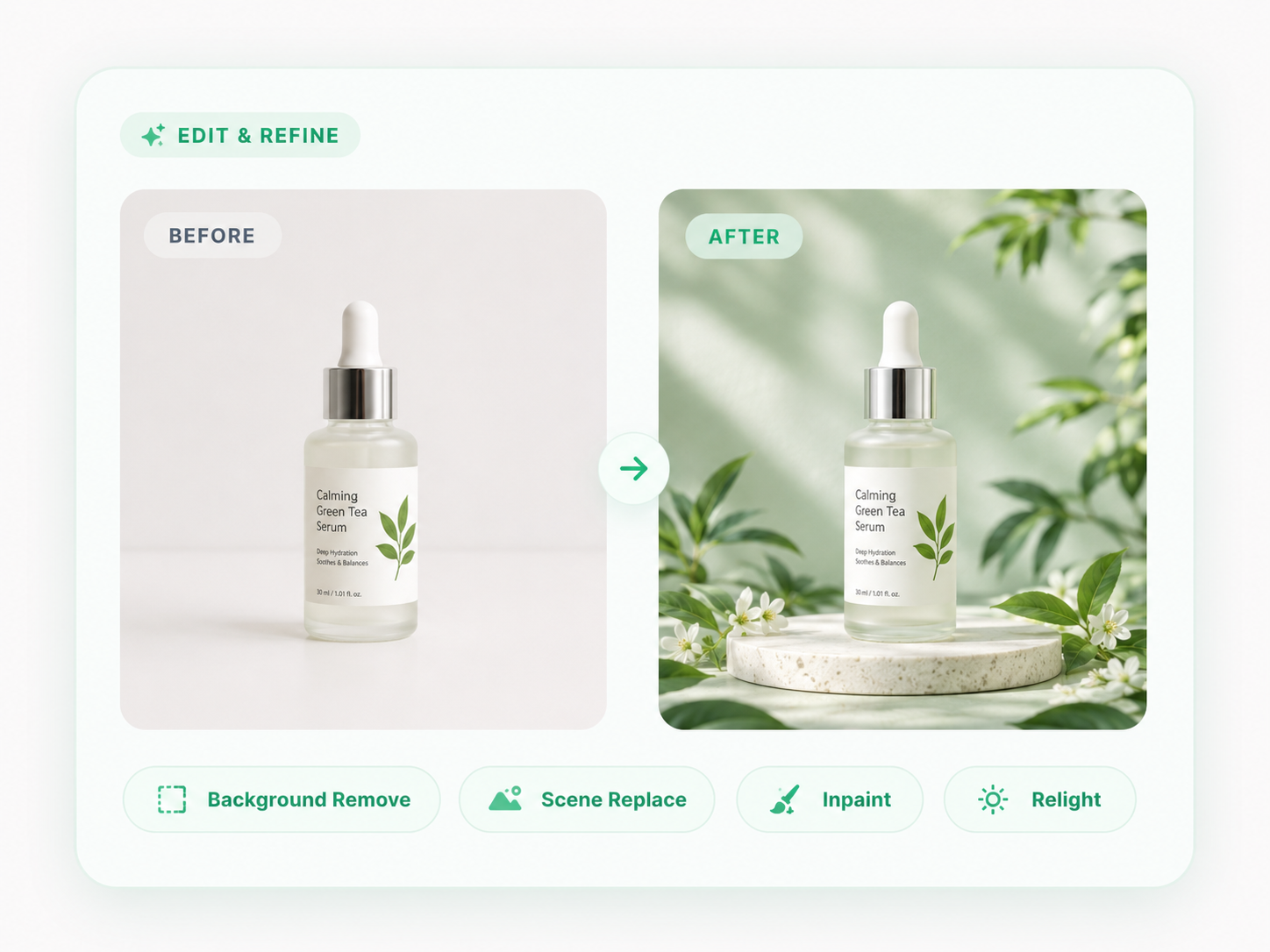
Improve sharpness, lighting, color, and overall image quality.
Common improvements you can make in seconds.
Remove halos, rough edges, or leftover background.
Fix shadows, brighten tones, and balance exposure.
Erase unwanted objects, text, or blemishes.
Align colors, mood, and style with your brand.
Edit and refine in three simple steps.
Upload your product photo. Our AI instantly analyzes lighting, depth, and subject boundaries for pixel-perfect editing.
Use natural language or our brush tool to describe changes. The AI performs generative inpainting and relighting.
Download your refined high-resolution visual. Our synthesis ensures natural shadows and professional-grade details.