
Natural Speech & Audio
Generate natural spoken audio and sound-rich output directly from text prompts.
Next-Gen AI Audio Studio
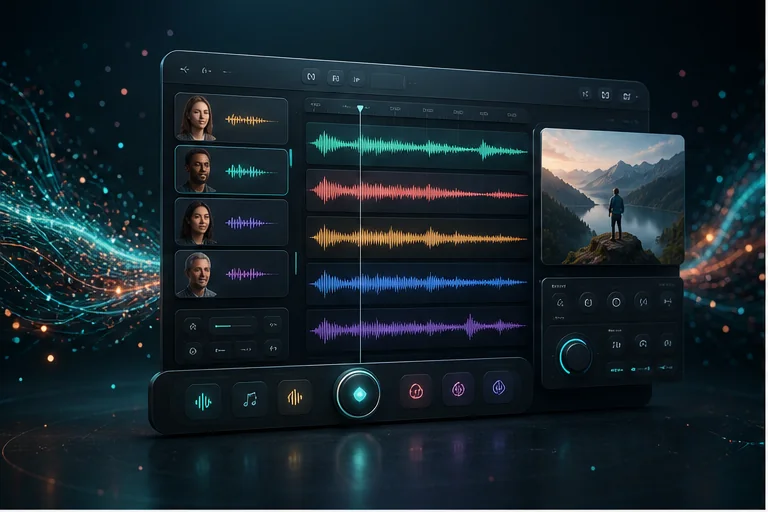
Generate natural speech and audio from text prompts. Choose preset voices, guide output with reference audio or images, and shape emotion, ambience, and dialogue through your prompt.
Setting up your AI session...
Seed Audio 1.0 is a ByteDance text-to-audio model that generates natural speech and audio from prompts. It supports preset voices, optional reference audio (up to 3 clips), optional image guidance, and prompt-based control of emotion, ambience, and dialogue — going beyond basic single-voice TTS when your prompt describes a richer scene.
Generate natural spoken audio and sound-rich output directly from text prompts.
Pick from multiple preset voices for straightforward text-to-speech generation.
Upload up to 3 reference clips to guide voice style. Leave preset voice empty and do not combine with image input.
Use a single reference image to guide audio mood and texture. Do not combine with reference audio.
Control emotion, tone, pacing, and atmosphere through clear, focused prompts.
Use outputs in videos, podcasts, ads, games, courses, and narration projects.
From scene description to export-ready audio in five steps.
Write what you want to hear — setting, characters, emotion, background music, ambience, and important sound effects.
Select a style such as podcast, audiobook, product ad, cinematic trailer, game dialogue, or short video voiceover.
For simple TTS, pick a preset voice. For style guidance, upload reference audio (up to 3 clips) or a reference image — leave voice empty and do not use both together. Only upload media you own or have permission to use.
Generate the audio, listen to the result, and adjust your prompt if you need clearer dialogue, stronger emotion, or more realistic sound effects.
Export the generated audio and use it in videos, ads, podcasts, games, lessons, or social media content.
Ready-made prompt examples — including the official cinematic radio broadcast demo — for podcasts, ads, audiobooks, games, education, and trailers.
Post-apocalyptic radio broadcast audio: an old radio studio at night, microphone static, rain hitting cracked windows, emergency lights buzzing, papers shaking from distant explosions. A tired male radio host speaks into the microphone: "If anyone can hear this, stay away from the northern bridge. The city is not safe anymore." Realistic radio voice, emotional, tense, cinematic, no music.
Create a warm podcast intro with one friendly host, soft background music, clean room tone, and a short transition sound. The host should sound confident, calm, and natural.
Generate a 20-second product ad audio scene for a premium skincare product. Include a clear female narrator, soft luxury background music, subtle bottle-opening sound, and a final brand cue.
Create a dramatic audiobook scene with two characters speaking in a rainy street at night. Add distant thunder, footsteps, emotional pauses, and low cinematic background music.
Generate fantasy game NPC dialogue in a medieval village. Include one old merchant voice, background market ambience, light crowd noise, coins, and wooden cart sounds.
Create an energetic voiceover for a 15-second TikTok-style video. Add upbeat background music, fast pacing, small whoosh transitions, and a strong ending line.
Generate a training audio scene with a narrator and a learner. The narrator explains calmly, the learner asks one question, and the background should sound like a quiet classroom.
Create a 30-second cinematic trailer audio scene for a sci-fi adventure. Include a deep narrator voice, rising orchestral music, spaceship ambience, low rumbles, and a powerful final hit.
Generate a short product demo audio for a smart kitchen appliance. Include a friendly narrator, light cooking ambience, button click sound effects, steam sounds, and cheerful background music.
Create a subtle horror ambience scene in an abandoned hotel corridor. Include quiet wind, distant door creaks, slow footsteps, low tension music, and a whisper-like narrator. Keep it suspenseful, not loud.
Generate a peaceful meditation audio with a calm narrator, slow breathing rhythm, soft nature ambience, gentle background pads, and no sudden sound effects.
From straightforward TTS to image-guided narration — see where Seed Audio fits in your workflow.
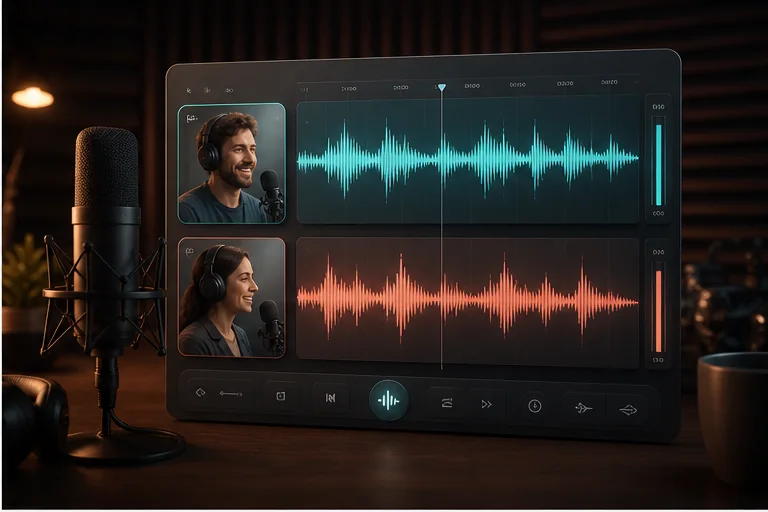
Generate podcast intros, episode teasers, host-style narration, transition sounds, and short audio segments.
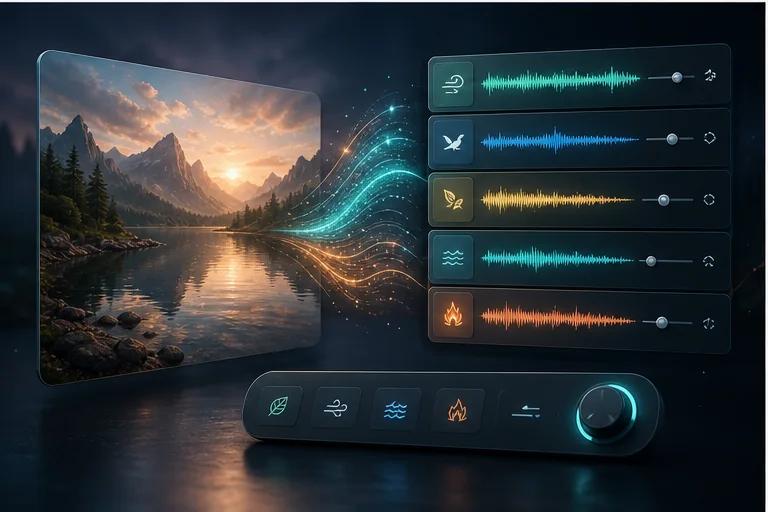
Upload a reference image to guide mood, tone, or scene feel when generating audio from a prompt.
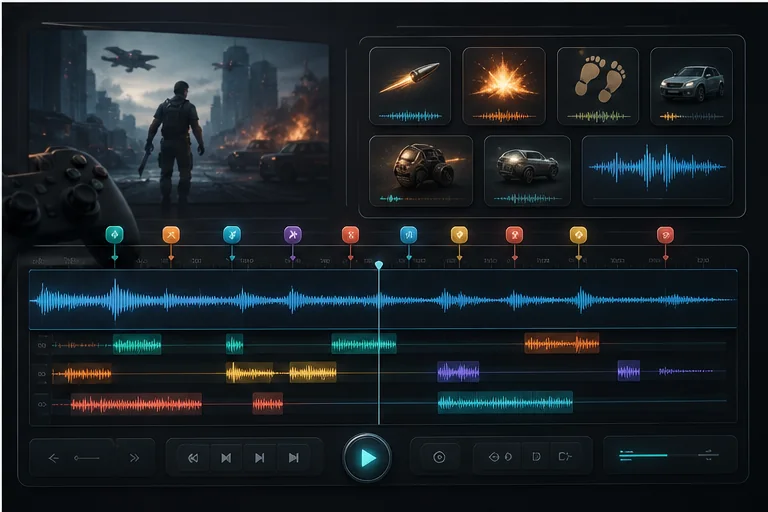
Create NPC dialogue, menu sounds, fantasy village ambience, battle sound effects, and interactive audio scenes.
Convert written scripts into natural spoken audio with preset voices or prompt-guided delivery.
Upload a reference image to guide mood, tone, or scene feel when generating audio from a prompt.
Quickly test voices, prompt styles, and reference inputs before locking audio for production.
Create product voiceovers, background music, brand sound cues, and short sound effects for social media ads and e-commerce videos.
Generate podcast intros, episode teasers, host-style narration, transition sounds, and short audio segments.
Build immersive storytelling scenes with multiple voices, emotional pacing, ambience, and cinematic background music.
Create NPC dialogue, menu sounds, fantasy village ambience, battle sound effects, and interactive audio scenes.
Generate lesson narration, roleplay conversations, classroom scenes, and training simulations with clear voices.
Create voiceovers, music, transitions, and sound effects for TikTok, YouTube Shorts, Instagram Reels, and AI video workflows.
Traditional TTS excels at clean spoken voice. Seed Audio 1.0 adds preset voices, reference audio, image guidance, and richer prompt-based narration and atmosphere.
| Feature | Traditional TTS | Seed Audio 1.0 |
|---|---|---|
| Single voice narration | Yes | Yes |
| Preset voice selection | Limited | Yes |
| Reference audio / image input | — | Yes |
| Multi-speaker dialogue | Limited | Stronger prompt-based control |
| Background music | — | Via prompt description |
| Ambience & environment | — | Via prompt description |
| Sound effects | — | Via prompt description |
| Emotional delivery | Basic to advanced | Stronger prompt-based control |
| Richer audio scenes | Limited | Typical |
| Input flexibility | Text only | Text + reference audio or image |
Traditional TTS is best for clean narration. Seed Audio 1.0 is stronger when you need preset voices, reference-guided style, image guidance, or prompts that describe mood, ambience, dialogue, and scene detail.
Seed Audio 1.0 is available through selected AI model platforms and API providers. Depending on the provider, you may generate audio from text prompts, reference audio, or visual inputs. Pricing, generation length, supported inputs, and commercial usage terms may vary by platform.
Only upload reference audio that you own or have permission to use. Do not clone or imitate a real person's voice without consent.
Instead of writing "a woman speaks about a product," describe the environment, speaker tone, music, ambience, and sound effects.
For dialogue, clearly define each speaker, their role, emotion, and speaking style.
Use words like warm, cinematic, suspenseful, energetic, calm, luxury, playful, documentary, or dramatic.
A clear prompt with scene, speakers, music, ambience, sound effects, and duration usually works better than a vague paragraph.
Reference audio can help guide style or tone, but you should only use audio you have the legal right to upload.
When you only need straightforward narration, select a preset voice instead of over-describing the scene.
When using reference audio or a reference image, leave the preset voice empty — these input modes should not be combined.
Use clean reference clips and publicly accessible URLs. Reference audio and image guidance cannot be used together.
Turn text prompts into natural speech and richer audio for videos, podcasts, ads, games, and storytelling — with preset voices, reference guidance, and prompt-based scene control.
Browse Prompt Examples