

Product listings & catalog refresh
Replace studio shoots with on-brand product photos and lifestyle scenes for Amazon, Shopify, and marketplaces.
Generate product photos, ad banners, and social creatives from one platform. Choose a workflow tool or a flagship model—no switching between apps.
This hub collects every Alimvo image generator in one place. Start with a workflow (product photo, ad creative, editor) or jump into a model page when you need a specific engine.
High-intent workflows ecommerce teams open most often.
Every published image generator on Alimvo, kept in sync with the product registry.
Studio-quality product photos.
Preview new hairstyles on your photo.
High-fidelity image generation with strong text rendering.
Generate images from text prompts.
Typography-strong AI image generation.
Conversion-focused ad banners.
Edit and enhance images with AI.
Sample results across product listings, paid social, and campaign assets.

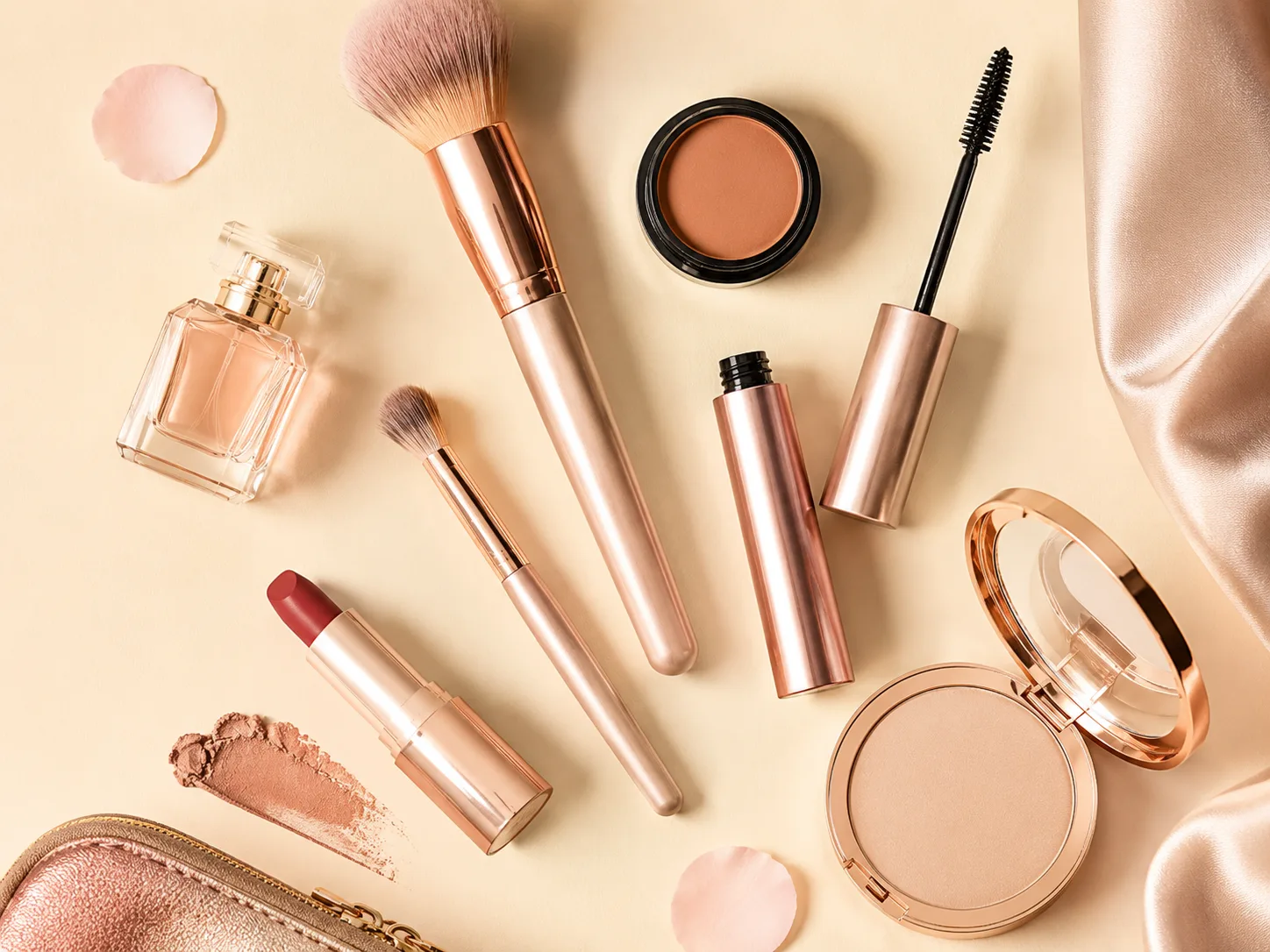
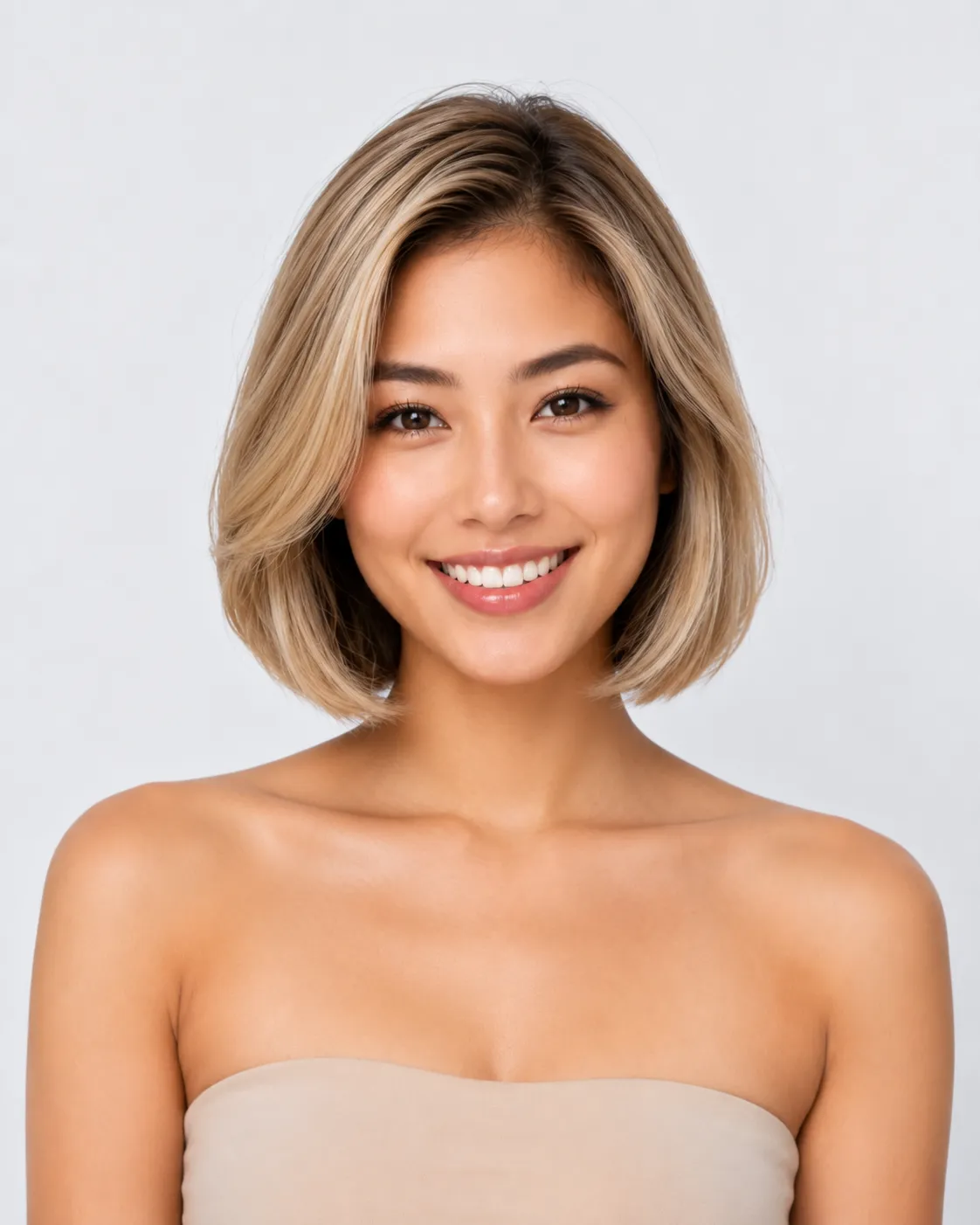

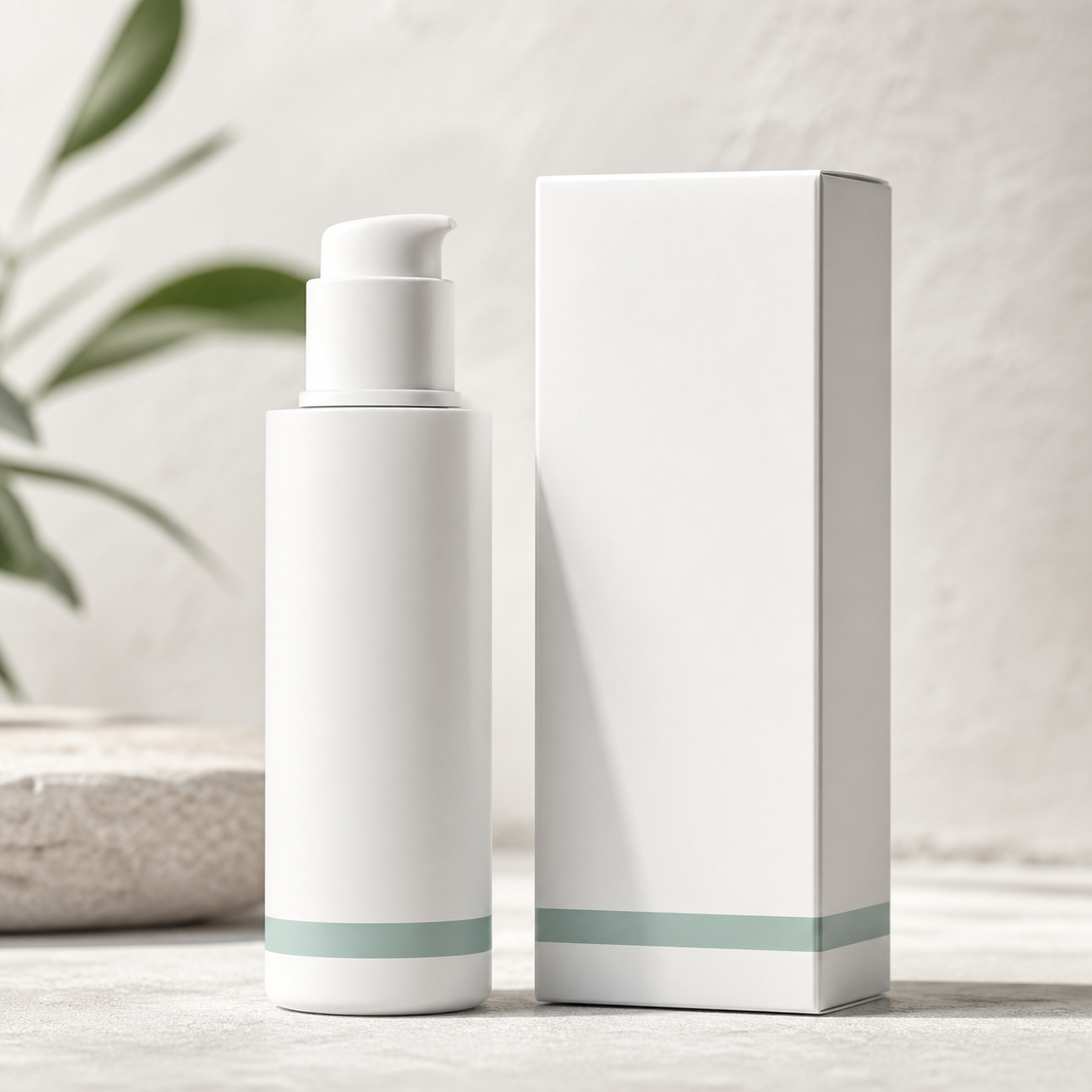
Four recurring jobs where teams compare tools before picking a generator.
Replace studio shoots with on-brand product photos and lifestyle scenes for Amazon, Shopify, and marketplaces.
Ship banner sets and feed ads faster with generators tuned for conversion layouts and offer callouts.
Fill content calendars with square, vertical, and story formats without waiting on design queues.

Remove backgrounds, adjust scenes, or adapt one hero visual into regional variants from the same hub.
Model-specific pages when you need a particular engine or typography strength.
A lightweight path that stays distinct from any single tool landing page.
Browse workflow tools for jobs like product photos, or open a model page for Nano Banana Pro or Ideogram 4.
Add product context, scene, ratio, and brand cues. Each tool keeps its own generator UI.
Download assets for listings and ads, or switch tools inside Alimvo without re-uploading elsewhere.
Hub-level answers about choosing a generator, not how a single model works.
Open the tool that matches your next listing, ad set, or social post.